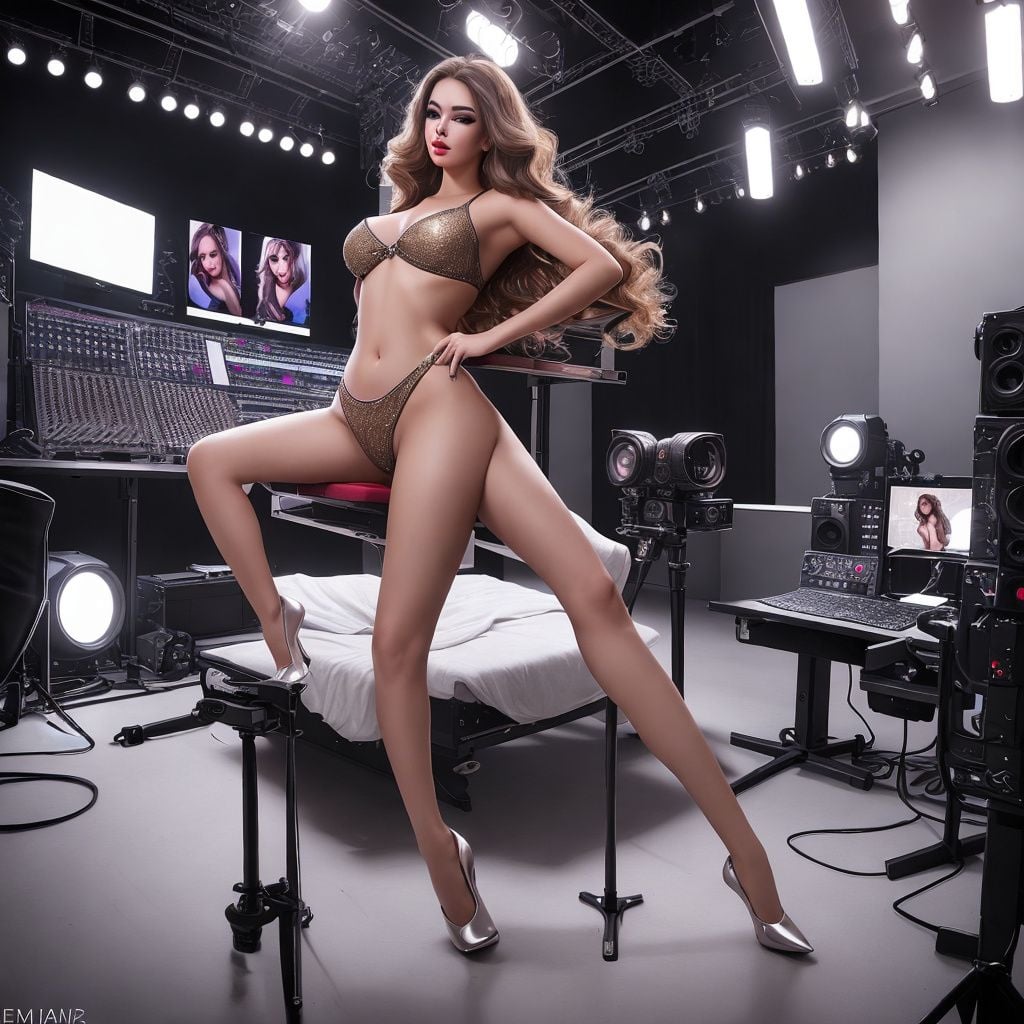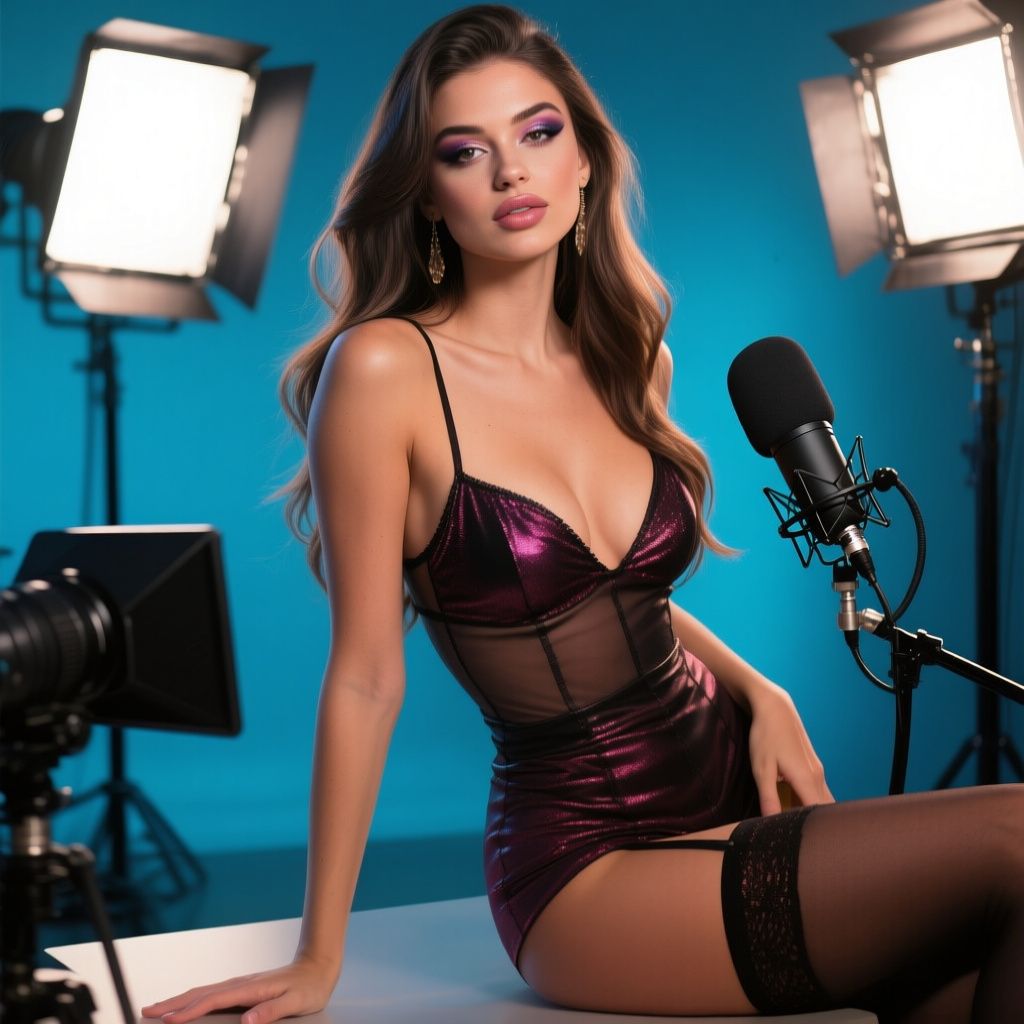
Introduction to Designing Your Broadcast Room
Your broadcast room is the foundation of your camming success. It's not just a backdrop—it's your stage, your brand, and the first thing viewers notice. A well-designed room builds trust, sets the mood, and keeps audiences engaged longer, boosting tips and privates. Whether you're starting out or upgrading, this guide walks you through practical steps to create a professional, inviting space on a budget. We'll cover layout, lighting, backgrounds, equipment integration, and common pitfalls, with real-world tips from top earners.
Planning Your Space: Layout and Ergonomics
Before buying anything, map out your room. The goal? Comfort for long sessions (2-6 hours) and flawless camera framing. Poor layout leads to awkward angles, fatigue, and distractions.
Choosing the Right Location
- Privacy first: Pick a dedicated corner away from windows (to avoid glare/street views), doors, and household noise. Use soundproofing like heavy curtains or foam panels if needed.
- Size matters: Aim for 6x6 feet minimum. Too small feels claustrophobic; too big requires expensive lighting.
- Power access: Ensure 4+ outlets nearby for lights, camera, PC, fan, and toys. Use a surge protector—power surges kill streams.
Ergonomic Setup
Position your chair, bed/couch, and props for easy movement. Your face and body should fill 60-80% of the frame.
- Seat at eye level with camera (use books/stands if needed).
- Keyboard/mouse within arm's reach—avoid reaching mid-show.
- Test for reflections: No shiny surfaces behind you catching light.
Do: Sketch a floor plan app like Room Planner (free). Don't: Broadcast from your actual bedroom—personal items scream "amateur" and risk privacy leaks.
Lighting: Your Most Critical Investment
Lighting makes or breaks shows. Bad lighting = shadows, oily skin, unflattering colors. Pros spend 30-50% of setup budget here. Natural light is unreliable; go artificial.
Essential Lighting Gear
| Item | Recommendation | Price Range | Why It Works |
|---|---|---|---|
| Key Light | Neewer 18" Ring Light (5500K daylight) | $30-60 | Even face illumination, no harsh shadows. |
| Fill Light | 2x Elgato Key Light Air | $100 each | Softens shadows from sides/back. |
| Back Light | LED Strip (USB-powered) | $15 | Separates you from background. |
Lighting Strategies
- Three-point setup: Key (front, brightest), fill (opposite side, 50% brightness), rim (behind, warm tone for glow).
- Color temperature: 5000-6500K for crisp, flattering skin tones. Warm (2700K) for intimate vibes.
- Dimmer control: Use smart bulbs (Philips Hue, $50 starter kit) to shift moods—bright for chatty shows, dim for sensual.
Example: Top model @SweetLila uses a ring light overhead at 45° for "perfect cleavage contouring" without chin shadows. Test on your phone camera first.
Do: Diffuse lights with umbrellas/softboxes ($20). Don't: Rely on ceiling fixtures—they cast "racoon eyes."
Backgrounds and Set Design
A boring wall kills retention. Custom backgrounds immerse viewers, reinforce your persona (e.g., goth, luxury, playful), and hide clutter.
DIY vs. Pro Options
- Budget DIY: Tension fabric backdrops ($20 on Amazon). Themes: Velvet for luxe ($15/yard), fairy lights + plants for cute ($10).
- Mid-range: Collapsible greenscreen ($30) + virtual backgrounds in OBS Studio. Swap scenes instantly (beach, dungeon).
- Pro touch: Built-in shelves with LED-lit props (books, candles, toys). Cost: $50-100.
Theming Tips
- Match your niche: Fitness? White seamless paper + weights. Fetish? Blackout curtains + chains. 2. Layer depths: Foreground plant, mid-wall art, far texture. 3. Rotate weekly: Keeps regulars excited ("New pink neon setup tonight!").
Real-world win: Model @KinkyQueen gained 20% more tips with a "custom neon sign" ($25 Etsy) spelling her name—branded and memorable.
Do: Keep it clean/simple—viewers focus on YOU. Don't: Clutter with laundry hampers or family photos.
Camera and Audio Essentials
Integrate these seamlessly into your design for pro quality.
Camera Positioning
- Logitech C920 ($60) or DSLR (Canon EOS M50, $500) on tripod at eye level.
- Wide-angle lens for full-body; crop in software.
- Mount tip: Clamp to desk edge ($15)—frees space.
Audio Optimization
Clear sound retains viewers. Fifine USB mic ($40) + pop filter. Place behind camera, angled away from fans. Use noise gates in OBS to kill background hum.
Pro tip: Dual-setup: Webcam for chat, phone on tripod for close-ups (switch via OBS scenes).
Furniture, Props, and Accessories
Functional + sexy = winner.
- Seating: Plush swivel chair ($50) or futon for versatility.
- Props: Remote-controlled toys on side table (hidden cable management with clips). Lube/wipes drawer nearby.
- Comfort: Neck fan ($15), hydration station, footrest.
- Hygiene: Blackout sheets that wash easy; steam clean weekly.
Cable Management
Use Velcro ties and under-desk trays ($10). No tangled wires in frame—ruins immersion.
Software and Tech Integration
OBS Studio (free) ties it together: Scenes for outfit changes, overlays for tip menus. ManyCam for multi-cam. Test full setup 24h before going live.
Budget Breakdown and Scaling Up
Starter ($100-200): Ring light, fabric backdrop, webcam stand.
Pro ($500+): Full lights, greenscreen, themed props.
ROI example: One model recouped $300 setup in first week's extra tips.
Do's and Don'ts Summary
- Do test everything live (record & review). Match room to persona. Upgrade iteratively.
- Don't overspend early—start minimal. Ignore reflections/noise. Forget backups (extra lights/mic).
Final Thoughts
A killer broadcast room isn't overnight magic—it's smart planning and iteration. Poll your fans: "Love the new glow?" Tweak based on feedback. Invest here, and watch retention soar. You've got this—now go design your empire!