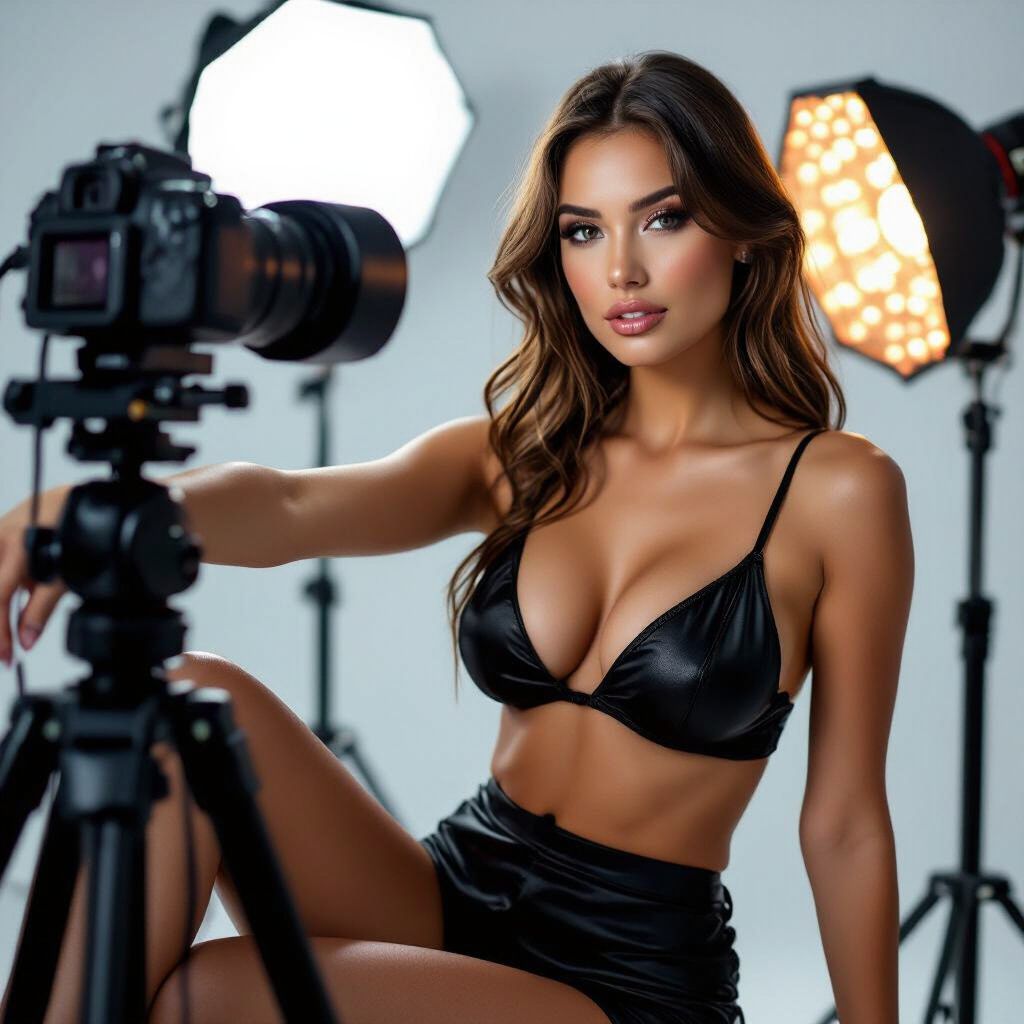
Why Backup Equipment and Contingency Plans Matter for Cam Models
In the fast-paced world of live camming, technical glitches can strike at the worst moments—right when you're building momentum with a viewer or hitting peak traffic. A sudden camera failure, internet dropout, or lighting blackout isn't just inconvenient; it can cost you tips, regulars, and momentum. That's where backup equipment and solid contingency plans come in. This guide equips you with practical, actionable strategies to minimize downtime, keep shows seamless, and protect your income. We'll cover must-have backups, step-by-step plans, and real-world tips from seasoned models who've turned potential disasters into non-events.
Pro tip: Treat your setup like a professional studio. Invest in redundancies early—start small if budget's tight, like a $20 USB mic as your first backup—and test everything weekly. Aim for under 30 seconds of recovery time during any issue.
Essential Backup Equipment: What to Stock
Don't wait for a crisis to shop. Build a "crash kit" with affordable, reliable duplicates of your core gear. Focus on plug-and-play items that integrate with your platform (e.g., Chaturbate, MyFreeCams). Here's a prioritized list:
Camera and Video Backups
- Secondary Webcam: Get a Logitech C920 ($50-70) as backup to your main 4K cam. It's HD, reliable, and works with OBS Studio out of the box.
- Smartphone as Failsafe: Use your phone's camera via apps like EpocCam or DroidCam (free tiers available). Mount it on a $10 tripod for stability.
- Do: Calibrate lighting for each camera beforehand—test side-by-side in your streaming software.
- Don't: Rely solely on built-in laptop cams; they're grainy and laggy under show lights.
Audio Solutions
- USB Microphone: Fifine K669B ($30) or Blue Yeti Nano ($100) for crystal-clear voiceover if your headset dies.
- Wireless Lavalier Mic: Rode Wireless Go II ($200) for hands-free mobility—clip it on and forget.
- Quick Fix: Phone earbuds with mic as absolute last resort.
- Do: Run audio tests in Audacity (free) to match levels between primaries and backups.
- Don't: Use room mics; they pick up fan noise and echoes.
Internet and Connectivity Redundancies
- Mobile Hotspot: Unlimited 5G plan from Visible or Google Fi ($25/month) as primary backup to WiFi. Speeds hit 50-100Mbps for 1080p streaming.
- Secondary Router/Extender: TP-Link RE450 ($50) for spotty home WiFi.
- Ethernet Cable: Always have a 50ft Cat6 ($10) ready to hardwire directly to your modem.
- Do: Monitor speeds with Speedtest.net; aim for 10Mbps upload minimum per stream quality.
- Don't: Stream over public WiFi—latency kills the vibe.
Lighting and Power Essentials
- Backup Lights: Neewer Ring Light Kit ($40) or cheap LED panels. Have two setups: main ring + key/fill lights.
- Power Bank/UPS: 1000W UPS like CyberPower ($100) for 30-60 min runtime on PC/lights during outages. Portable 20,000mAh bank ($30) for phone hotspot.
- Do: Use daylight-balanced bulbs (5500K) for skin tones that pop on cam.
- Don't: Overlook extension cords with surge protection—fries gear fast.
Budget starter kit: $150 total. Store it in a clear "Emergency Bin" next to your setup for instant access.
Crafting Your Contingency Plans: Step-by-Step Strategies
A backup is useless without a plan. Create written checklists (Google Docs or printed) for each scenario. Practice switches during dry runs—time yourself to build muscle memory.
Handling Common Disruptions
- Video Freeze/Drop:
- Switch to backup cam in OBS (pre-set scenes: Scene 1 Main, Scene 2 Backup).
- Chat script: "Quick tech swap—back in 20 secs, keep those tips coming!"
- Example: Model @LunaLive went from glitch to hero by flipping to phone cam mid-goal, earning $200 bonus tips for "seamless pro vibes."
- Audio Failure:
- Plug in USB mic; mute/unmute in stream settings.
- Filler: Play a pre-recorded loop or upbeat music via VLC.
- Internet Crash:
- Hotspot on → reconnect OBS to new network (bookmark stream keys).
- Pro move: Run dual streams (WiFi + hotspot via virtual router software like Connectify).
- Power Outage:
- Laptop + hotspot + phone light = 45-min buffer show.
- Pivot to pre-recorded content or phone tease in group chat.
Platform-Specific Contingencies
- Chaturbate/Stripchat: Enable "Auto-DJ" for music loops; use bots like CB AutoBroadcaster for chat moderation during swaps.
- MyFreeCams: Pre-schedule "maintenance mode" messages; have alt account ready for traffic redirect.
- OnlyFans Live: Switch to mobile app streaming instantly—less bandwidth needed.
- Do: Set up multi-platform broadcasting with Restream.io ($16/month) so one crash doesn't kill all income.
- Don't: Panic-announce issues; frame as "upgrading your view" to keep energy high.
Daily Habits and Advanced Tips for Reliability
Prevention beats cure. Integrate these into your routine:
- Weekly Drills: Simulate failures—unplug camera mid-"show," time recovery. Under 1 minute? You're golden.
- Software Safeguards: OBS Studio with hotkeys for scene swaps; NDI tools for wireless backups. Update drivers monthly.
- Health Checks: Use HWMonitor to watch CPU temps (under 80°C); clean dust from PC quarterly.
- Viewer Engagement Backup: Pre-made tip menus, polls, and games in a Google Sheet—copy-paste to chat if hands are busy.
- Off-Site Redundancy: Friend's place or co-working cafe as nuclear option; notify regulars via Discord 24/7 server.
Real-world example: Top model @KittenQueen survived a 2-hour blackout by switching to phone hotspot + ring light, hitting a $1k night via mobile-exclusive flash sale. She credits her "Disaster Playbook" laminated sheet.
Do's and Don'ts: Quick Reference
Do's
- Test backups before every session.
- Budget 10% of earnings for gear upgrades.
- Document fixes in a "lessons learned" journal.
- Communicate transparently but positively with viewers.
Don'ts
- Stream without at least one full backup layer.
- Ignore warning signs like flickering lights or high ping.
- Hoover up gear post-show—store ready-to-go.
- Skip insurance; gear theft/fire claims save lives (try Rider or custom policies).
Final Thoughts: Stay Unstoppable
With these backups and plans, you're not just prepared—you're resilient. Downtime drops from hours to seconds, turning mishaps into memorable moments that build loyalty. Start today: inventory your setup, order one backup item, and draft your first checklist. Your future self (and bank account) will thank you. Questions? Drop in model forums like AmberCutie or Reddit's r/CamGirlProblems for community tweaks. Happy streaming!