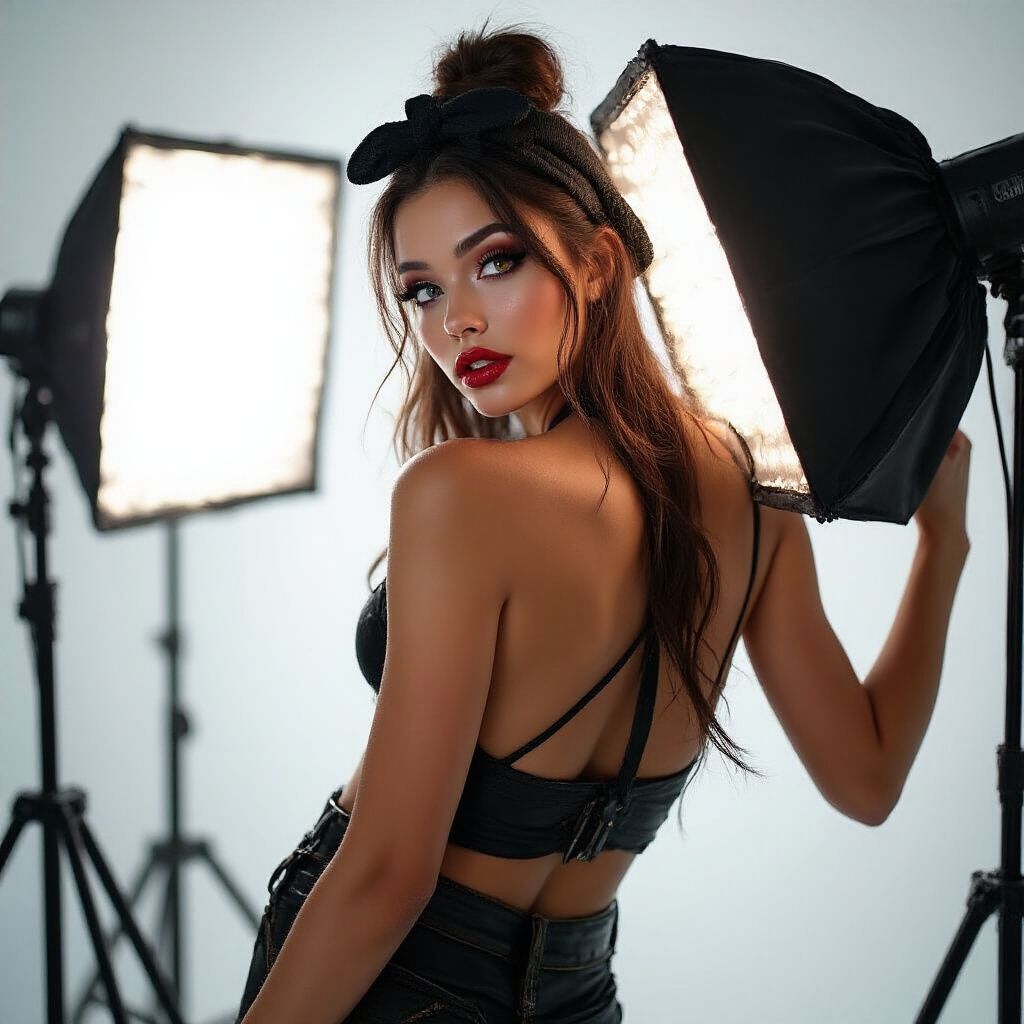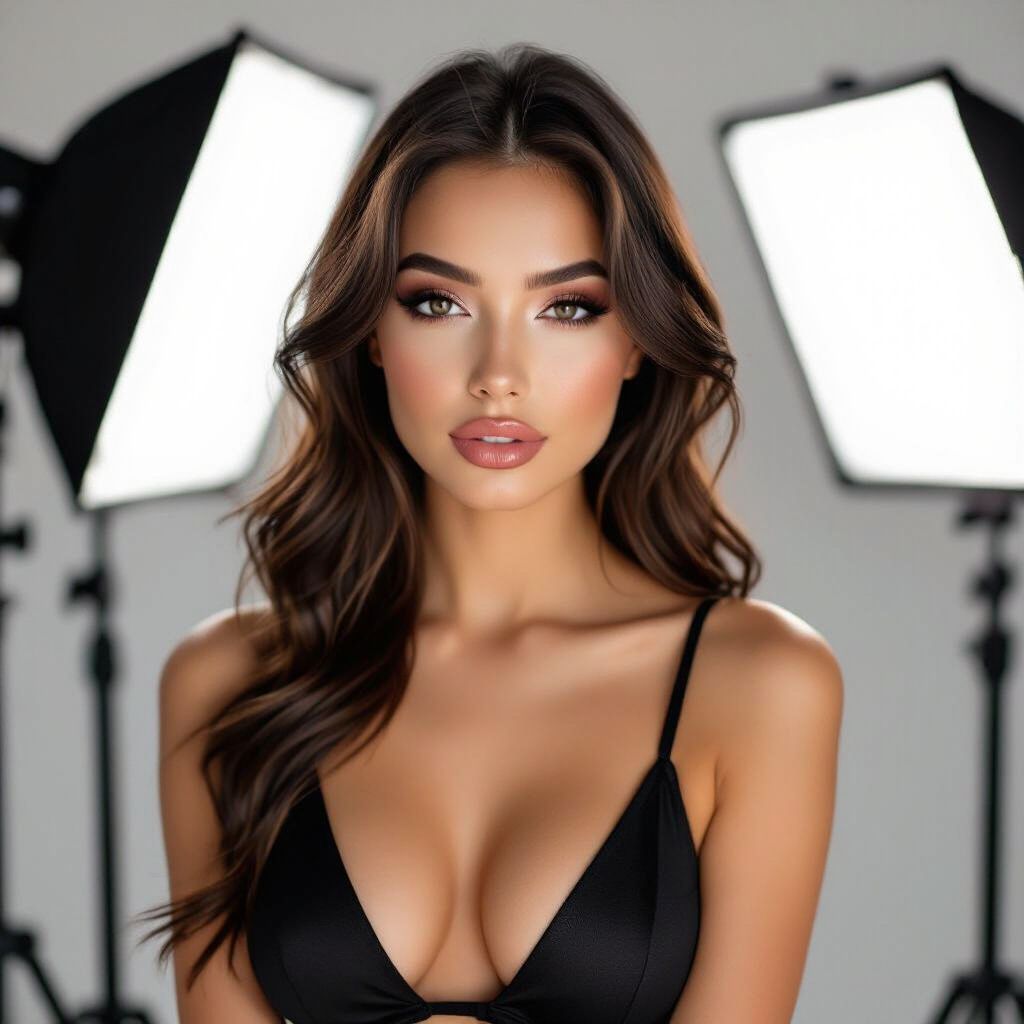
Introduction to Professional Lighting on a Budget
Hey there, fellow cam model! Lighting is the secret sauce that can transform your streams from amateur hour to professional studio vibes. Great lighting highlights your best features, creates mood, eliminates unflattering shadows, and keeps viewers hooked. The best part? You don't need to drop thousands on fancy gear. This guide is packed with practical, budget-friendly tips to set up lighting that looks pro without breaking the bank. We'll cover everything from basics to advanced setups using items you can grab from Amazon, Walmart, or even your local dollar store. Let's light up your success!
Why Lighting Matters for Cam Models
Bad lighting can make you look washed out, shadowy, or tired—none of which sell. Professional lighting does the opposite: it flatters your skin, adds depth, and makes your setup pop. On cam, viewers notice lighting first; it's what keeps them tipping and staying longer. Budget setups (under $100 total) can rival high-end kits by focusing on the three-point lighting principle: key light, fill light, and backlight. Do invest time in testing angles—your face and body will thank you. Don't rely on overhead room lights; they create harsh shadows under your eyes and chin.
Essential Budget Lighting Gear
Start with versatile, affordable tools. Aim for soft, diffused light to avoid harshness. Here's your starter shopping list (total ~$50-80):
- LED Light Bulbs or Panels: Philips Hue White Ambiance bulbs ($20/pack) or Neewer 660 LED panels ($25 each)—dimmable and color-temperature adjustable (warm 3000K for cozy, cool 5500K for crisp).
- Light Stands/Clamps: Amazon Basics tripod stands ($15) or C-clamps ($5) for desk edges.
- Diffusers/Softboxes: White poster board, parchment paper, or $10 clip-on softbox attachments.
- Reflectors: Foam board from dollar store ($2) or white t-shirts draped over chairs.
- Power Strip/Smart Plugs: For easy control ($10).
Pro tip: Check thrift stores for desk lamps ($5) and swap bulbs for daylight LED equivalents. Avoid cheap flickering bulbs—test for steady light first.
Do's and Don'ts of Gear Selection
- Do: Choose CRI 90+ bulbs (Color Rendering Index) for true skin tones.
- Do: Get dimmable lights to match moods (romantic dim vs. playful bright).
- Don't: Use incandescent bulbs—they're hot, yellow, and energy hogs.
- Don't: Skimp on stands; wobbly lights = distraction city.
Mastering the Three-Point Lighting Setup
The gold standard for cam models is three-point lighting. It's simple, effective, and scalable on a budget. Position yourself facing the camera at eye level. Use your phone's camera app to preview—no fancy software needed.
1. Key Light: Your Main Star
The key light is brightest, placed at a 45-degree angle to your face (slightly above eye level). It models your features and sets the tone.
- Mount a $25 LED panel or desk lamp with 5500K bulb on a stand.
- Diffuse with parchment paper 6-12 inches away to soften.
- Angle down 20-30 degrees—test for no double chin shadows.
Example: For a flirty show, dim to 50% with warm tones. Budget hack: Clamp a phone flashlight with a white sock over it for emergencies.
2. Fill Light: Smooth Out Shadows
Fill light is half as bright as key, opposite side, to fill shadows without flattening.
- Use a reflector board or second cheap lamp at 30-50% power.
- Position low and to the side—aim at shadows under eyes/nose.
Real-world tip: During golden hour streams, bounce natural window light as free fill. Don't overpower key; it kills dimension.
3. Backlight/Hair Light: Add Separation
This rims your hair/shoulders, separating you from the background for a pro halo effect.
- Place a small lamp or LED strip behind you, aimed at head/shoulders.
- Use cool blue tint (via colored gel from $5 pack) for rim glow.
- Keep it subtle—avoid lens flare into camera.
Strategy: For full-body cams, add a floor lamp low behind for leg separation. Test in your streaming software (e.g., OBS) to ensure no hotspots.
Budget Hacks and DIY Solutions
No cash? Improvise like a pro. These tricks look studio-quality:
- Window Light Boost: Face a north-facing window mornings; diffuse sheer curtains. Add foil-wrapped cardboard for fill.
- Clamp Lamp Array: Three $5 clamps on desk edges with LED bulbs—under $20 total.
- Smartphone Rig: Prop old phones with flashlights, controlled via apps like LightTrac.
- Background Glow: LED strip lights ($10) behind a black sheet for neon vibes.
Cam model example: One streamer used a $3 ring light from AliExpress + foil reflectors to hit top 1%—proof budget wins.
Color Temperature Matching
Mix-match kills vibes. Use apps like Light Meter to match Kelvin (K):
| Mood | Kelvin | Source |
|---|---|---|
| Cozy/Romantic | 2700-3500K | Warm LEDs |
| Neutral/Daytime | 4000-5000K | Daylight bulbs |
| Cool/Energetic | 5500-6500K | Blue-tinted panels |
Common Mistakes and Fixes
Avoid these pitfalls for flawless streams:
- Mistake: Overhead Lighting. Fix: Side lighting only; shadows scream "basement cam."
- Mistake: Glare on Skin/Oil. Fix: Matte powder + diffusers 1ft away.
- Mistake: Flat Background. Fix: Backlight + plants/posters for depth.
- Mistake: Inconsistent Light. Fix: Smart plugs ($10) for remote dimming.
Do a 5-min pre-show test: Record 10s clip, check shadows/skin tone. Adjust ruthlessly.
Advanced Tips for Cam Pros
Level up once basics rock:
- Mood Lighting Presets: Use Philips Hue app for one-tap switches (sultry red rim, bright chat mode).
- Full-Body Scaling: Double key/fill height for standing shows; add footlights.
- Green Screen Integration: Even backlighting prevents keying artifacts.
- Viewer Feedback Loop: Poll chat: "Better lighting? Tip for tweaks!"
Strategy: Track top earners' streams (via replays)—mimic their soft key + blue rim.
Final Setup Checklist
Before going live:
- Key at 45°/eye level, diffused, 100% power.
- Fill opposite, 50% power, no flat face.
- Backlight subtle glow.
- Colors matched, no flicker/glare.
- Preview in cam software—flatter than yesterday?
There you have it—a pro lighting setup for pennies. Experiment, have fun, and watch tips roll in. You've got this! Questions? Drop in comments.